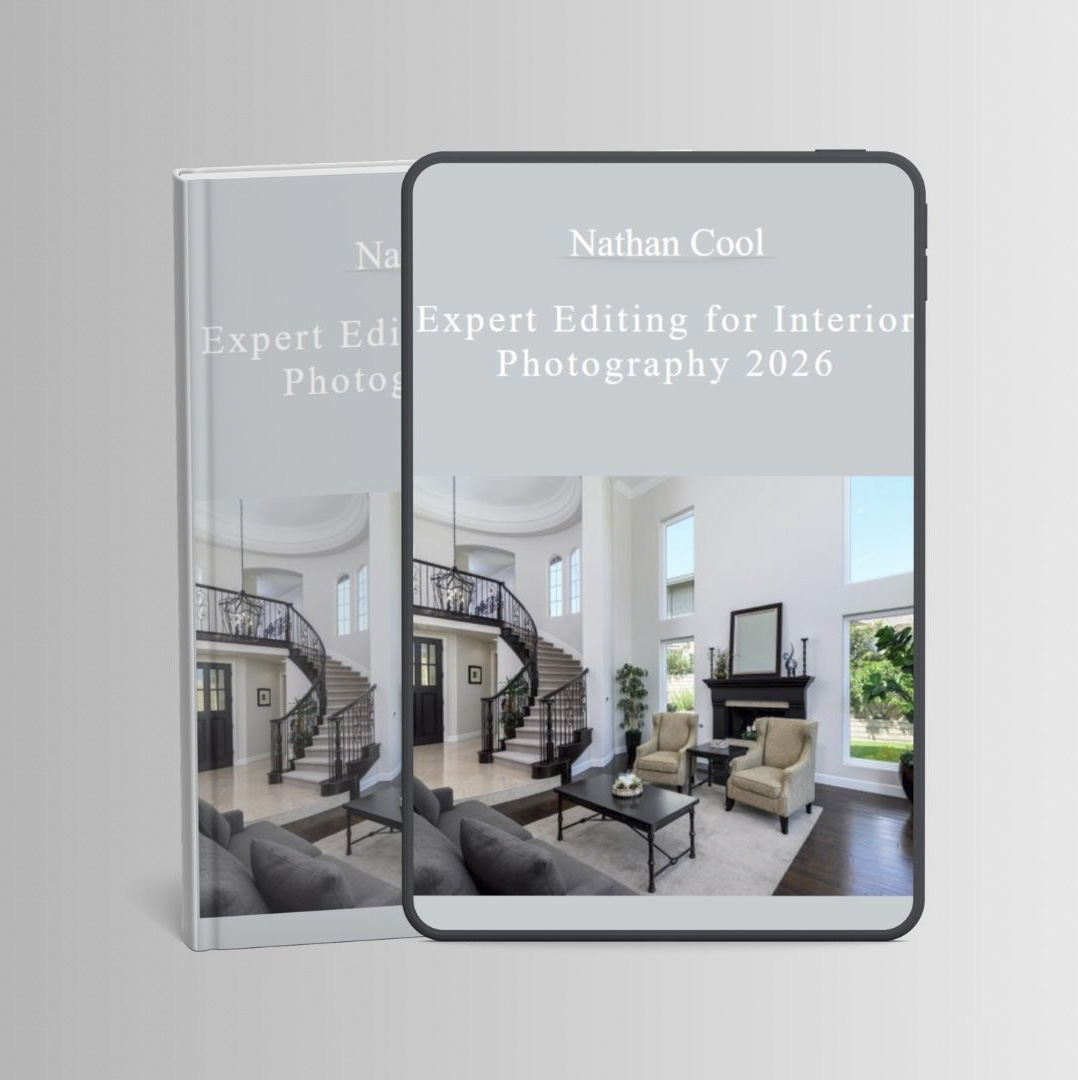

 Nathan Cool – Expert Editing for Interior Photography 2026
What You’ll Learn
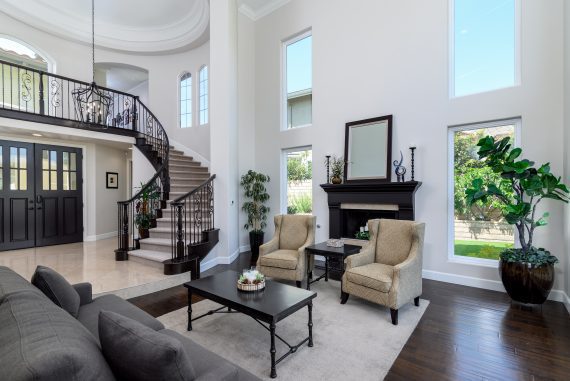
This self-paced, online video course guides you step by step with over 30 in-depth, easy-to-understand lessons with RAW file examples to become an expert at editing professional interior real estate photos. Some of what’s covered in this course includes:
- How to use Lightroom Classic and Photoshop to edit pro-level images.
- How to work with layers in Photoshop including grouping and stamping.
- The complete Flambient workflow.
- High-end HDR editing.
- How to work with color spaces, profiles and optimizers.
- How to optimize adjustment layers in Photoshop.
- How to add shower pops, fire to fireplaces and TV swaps.
- How to add skies to window views on stormy days.
- Color validation through application techniques.
- Various color repair methods.
- How to repair flambient shadows and highlight artifacts.
- Object removal, small and large.
- How to use various repair tools.
- How to remove camera reflections in mirrors.
- How to use Generative AI Fill.
- How to use Generative AI Remove.
- How to create presets in Lightroom Classic.
- How to create Photoshop Actions for edit automation.
- How to do high-end virtual staging.
- Failsafe layer alignment.
- How to edit flash composites.
- How to use Smart Objects in Photoshop.
- Hardware necessary for editing.
- Alternative software options.
Course Videos
Click arrow below to see all video lessons in this course.
- Orientation
- Traditional Software
- Alternative Software
- Hardware
- File Types and Usage
- Color Spaces
- Profiles and Optimizers
- File Management
- Develop Module Overview
- Photoshop Basics
- Layers and Masks
- Adjustment Layers
- Stamping Layers
- Camera RAW Editing
- Smart Objects
- Grouping Layers
- The Flambient Workflow
- Editing Flash Composites
- Lighten Mode Composites
- Shower Pops
- Aligning Layers
- High-End HDR
- HDR plus Darken-Mode Window Pulls
- HDR With Luminosity
- Color Validation
- Color Repairs
- Worst Case Color Correction
- Flambient Shadows and Highlights
- AI Object Removal Methods
- Classic Methods
- Content Aware
- Camera in Mirrors
- Remove Tool, Photoshop
- Generative AI Fill
- Generative Remove, LrC and ACR
- Moiré Removal
- AI Area and Object Selections
- Advanced AI Selection Editing
- Presets for LrC
- Actions for PS
- Adding Fire to Fireplaces
- TV Swaps
- Window Pull Sky Swaps
- Virtual Staging
- Changing Paint Colors
- Batch Processing, Basic
- Batch Processing, Advanced
- Archiving
- Final Words and Info
Your Instructor
Nathan Cool is a professional real estate and architectural photographer, author, and educator specializing in real estate and architectural photography and videography.
Over the course of his career, Nathan has photographed thousands of homes for hundreds of real estate agents, builders, architects, designers and businesses.
Nathan is the author of best-selling books on real estate media, and the creator of a highly regarded YouTube educational channel.
Nathan’s online courses expand on his experience with structured, in-depth courses covering professional real estate photography, lighting, editing, videography, marketing, and architectural photography.
Nathan’s approach is based on real-world experience: not simply explaining what to do, but showing photographers how to make better decisions to consistently produce professional results.
Nathan is based in Southern California and continues to work as a professional real estate and architectural photographer while teaching photographers around the world.
Proof Content

Sale page: https://nathan-t-cool-s-school.teachable.com/p/professional-editing-for-real-estate-interiors
Archive: https://archive.ph/xVTRa
Delivery Method
– After your purchase, you’ll see a View your orders link which goes to the Downloads page. Here, you can download all the files associated with your order.
– Downloads are available once your payment is confirmed, we’ll also send you a download notification email separate from any transaction notification emails you receive from vinlearn.net.
– Since it is a digital copy, our suggestion is to download and save it to your hard drive. In case the link is broken for any reason, please contact us and we will resend the new download link.
– If you cannot find the download link, please don’t worry about that. We will update and notify you as soon as possible at 8:00 AM – 8:00 PM (UTC+8).
Thank You For Shopping With Us!