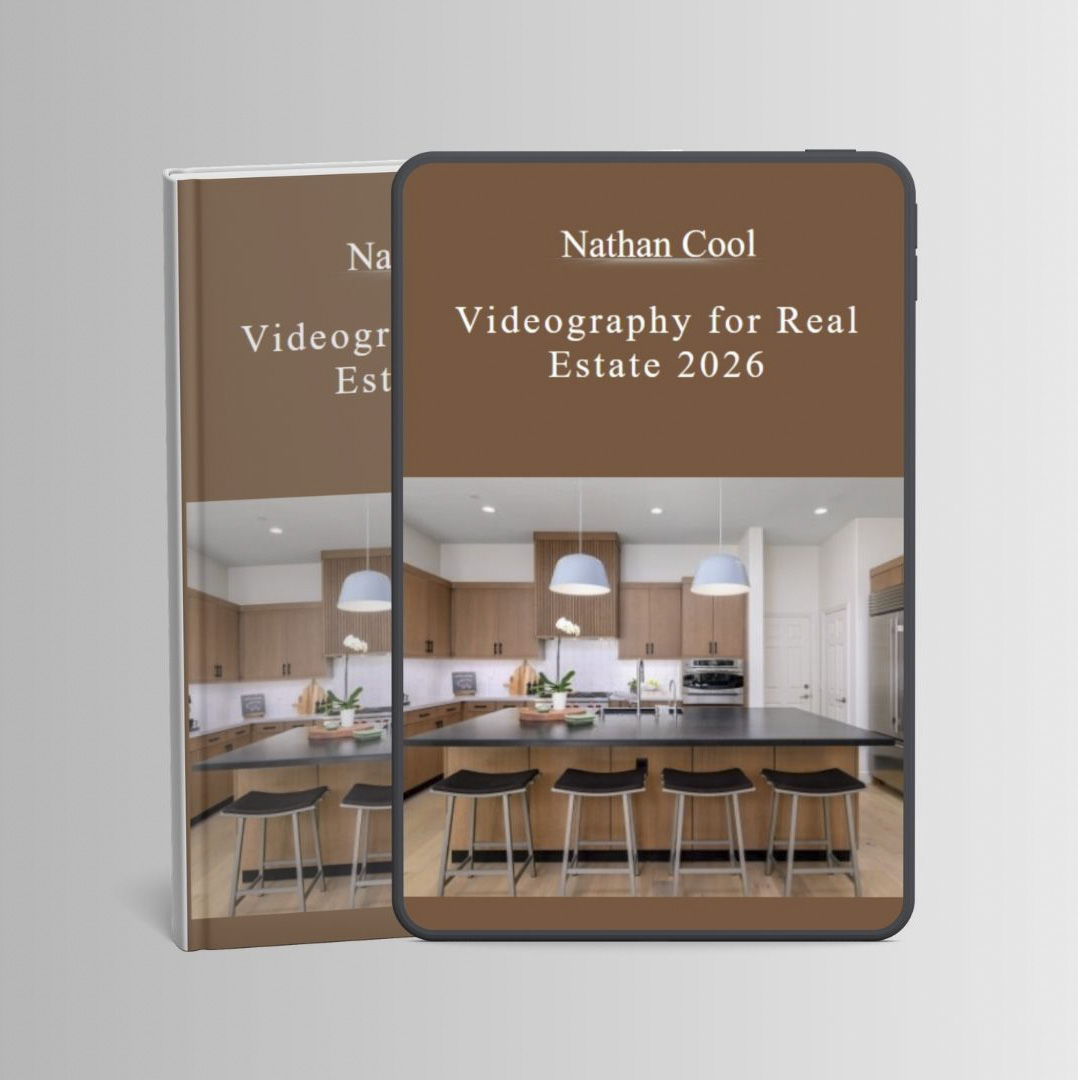

 Nathan Cool – Videography for Real Estate 2026
What You’ll Learn
This self-paced, online video course, which comes with free practice footage, will teach you from to finish how to capture, create, and edit high-quality videos for real estate that will impress clients and diversify your work as a real estate media provider. Some of what’s provided in this course includes:
- Cinematic movements using cameras or drones.
- The best settings for focus, color and exposure.
- What to capture and why.
- How to edit using Premiere Pro and DaVinci Resolve.
- Free footage for practice.
- Drone settings and segment capture.
- How to make videos for social media and traditional platforms.
- The best gear for your budget and market.
- How to utilize profiles and dynamic range optimizers.
- How to synchronize music to your videos.
- How to do speed ramps in post.
- High impact cuts and zooms.
- Methods to stabilize your footage.
- How to correct for color casts, exposure, and lens distortions.
- How to add photos into videos with motion.
- The proper gimbals and settings for cameras and mobile phones.
- When and how to use 4K and 1080p video footage.
- How to render high quality videos.
- How to configure manual lenses for IBIS.
- Time-saving tips.
- And options for hosting and delivery.
Course Video Lessons
Click arrow below to see all of the 30+ video lessons in this course.
- Orientation (4:50)
- Markets (6:52)
- Quality and Formats (16:50)
- Requirements (9:32)
- Recommendations (6:40)
- Gimbals for Mirrorless and DSLR Cameras (16:37)
- Cellphone gimbals (2:30)
- IBIS (11:02)
- Profiles, Formats, and Optimizers (7:06)
- Exposure and White balance (19:50)
- Focus (10:53)
- Regional Frame Rates (12:24)
- Geometry and Subject (5:56)
- Ninja Walk (10:17)
- Common Movements (16:07)
- Drone Footage (12:22)
- Time-Saving Tips (8:16)
- Example Footage and Shot List (14:06)
- Introduction to Adobe Premiere (10:25)
- Create a New Video Project (2:28)
- Adding Music (3:55)
- Adding Video Footage (9:35)
- Color and Other Adjustments (9:36)
- Exporting Your Video
- Stabilizing Footage in Post (3:02)
- Geometric Corrections (11:33)
- Effects (19:37)
- Animating Photos (8:16)
- Exposure Transitions (5:39)
- Zoom, Crop, and Cut (14:01)
- Smooth Zooms
- Fixing Flicker (4:28)
- Overview (10:58)
- Editing Basics (17:42)
- Advanced Techniques (7:40)
- Creating Reels for Social Media (18:20)
- Vimeo and YouTube (9:09)
- Pricing (10:17)
- Final Thoughts (8:40)
Your Instructor
Nathan Cool is a professional real estate photographer and videographer located in Southern California who has created media for thousands of homes and hundreds of clients throughout his career. Nathan has written best-selling books on real estate media and is well known as a YouTube influencer in the industry. With an on-going, successful career in real estate photography and videography, Nathan continues to teach the craft of capturing and creating stunning real estate media, how to stand out above the competition, get long-term clients for sustainable work, and how to conquer the most challenging obstacles when capturing and editing real estate media.
Proof Content

Sale page: https://nathan-t-cool-s-school.teachable.com/p/videography-for-real-estate
Archive: https://archive.ph/zSJ4V
Delivery Method
– After your purchase, you’ll see a View your orders link which goes to the Downloads page. Here, you can download all the files associated with your order.
– Downloads are available once your payment is confirmed, we’ll also send you a download notification email separate from any transaction notification emails you receive from vinlearn.net.
– Since it is a digital copy, our suggestion is to download and save it to your hard drive. In case the link is broken for any reason, please contact us and we will resend the new download link.
– If you cannot find the download link, please don’t worry about that. We will update and notify you as soon as possible at 8:00 AM – 8:00 PM (UTC+8).
Thank You For Shopping With Us!